Find the shape of the work.
Move through the project with enough context to know what matters before you edit.
TRY A PROMPT
“Show me where this feature starts and what calls it.”
FEATURES
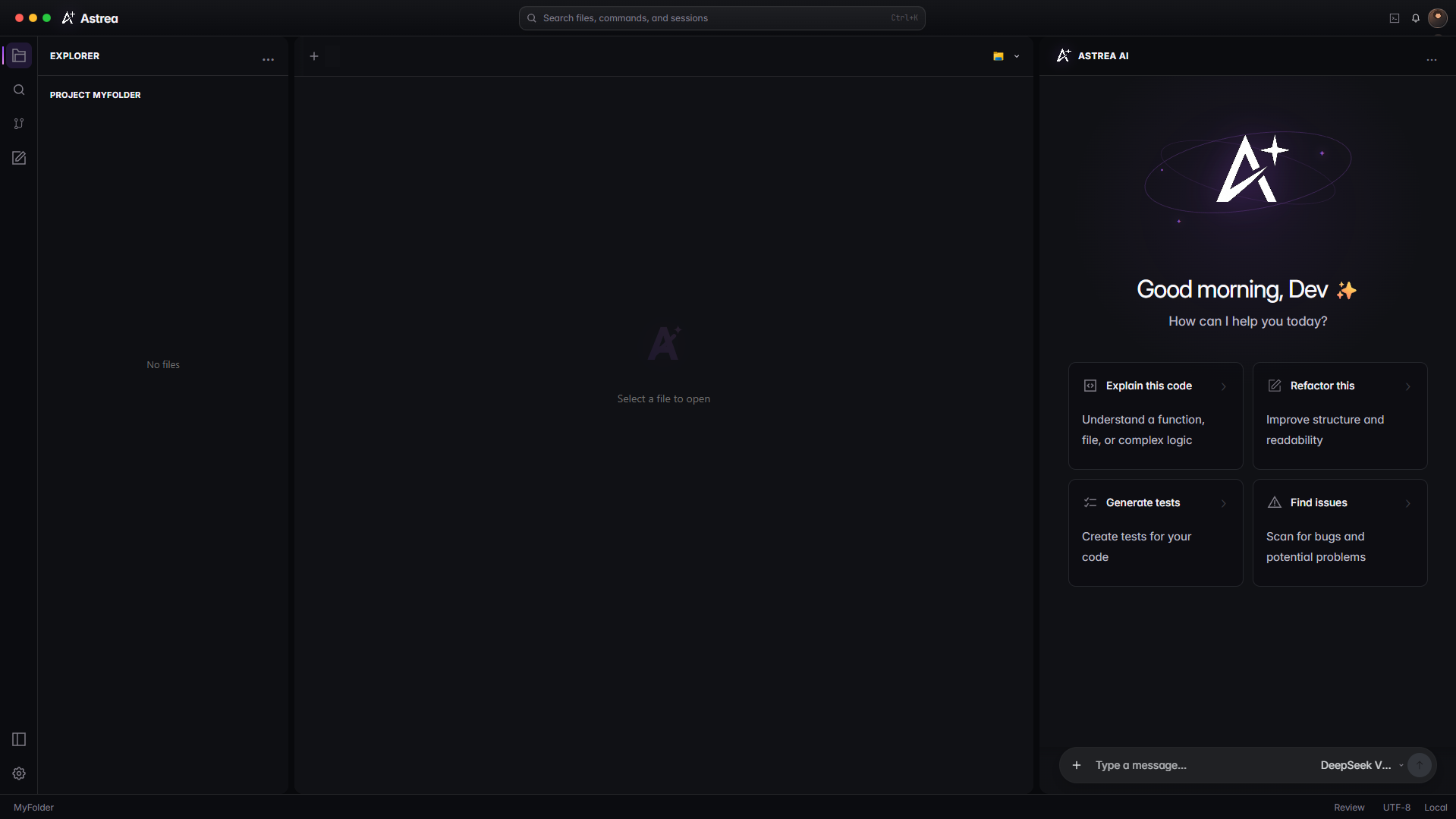
Astrea keeps the project, the conversation, and the next change in one focused desktop workspace.
THE WORKFLOW
Move through the project with enough context to know what matters before you edit.
“Show me where this feature starts and what calls it.”
Keep the request close to the files, commands, and decisions that make it real.
“Add the empty state and keep the existing layout intact.”
Read the diff, ask a follow-up, and leave the project cleaner than you found it.
“Check the edge cases and summarize the change.”
Explore files, edit with review, and chat with AI in one workspace. Resize the panes and keep your layout between sessions.
Open a folder, find the relevant files, and ask a focused question. Keep the editor and conversation together as the task develops.
Read the getting-started guide ↗Download Astrea, open a project, and give the next change a clear place to land.