Work inside your project
Search your workspace and read the files you're actually touching, all on your disk.
YOUR PROJECT. YOUR DESKTOP. YOUR NEXT IDEA.
A project-aware coding workspace for exploring your project, working through ideas, and reviewing changes. All in one desktop app.
Windows available now · choose a platform below · View all platforms
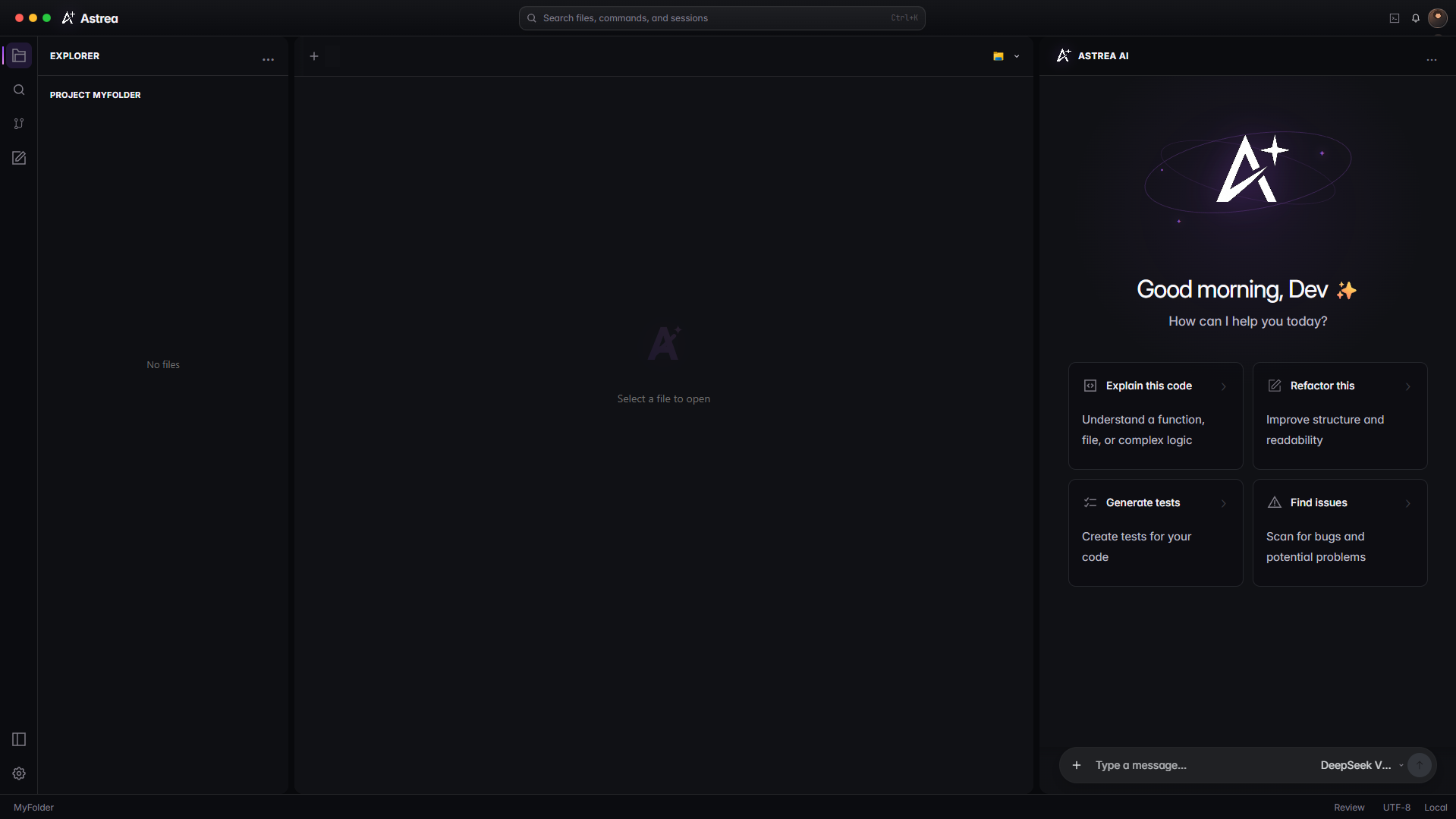
Search your workspace and read the files you're actually touching, all on your disk.
Start with the option that fits the task, then adjust as the work develops.
Review suggested edits in the git panel and apply them only when you say so.
02 / EVERYDAY FLOW
A calm loop for understanding a project, making a change, and checking the result before it ships.
Move through the project with enough context to know what matters before you edit.
“Show me where this feature starts and what calls it.”
Keep the request close to the files, commands, and decisions that make it real.
“Add the empty state and keep the existing layout intact.”
Read the diff, ask a follow-up, and leave the project cleaner than you found it.
“Check the edge cases and summarize the change.”
Astrea starts with the folder you choose and keeps the project context nearby.
You decide what to ask, what context to include, and which change to review.
See the proposed work in context, then accept, adjust, or leave it untouched.
Clear boundaries help you stay in control from the first file to the final change.
04 / Pay-as-you-go billing
Start with shared access, then add credits when you need more. Usage is measured per request.
See how usage worksNEXT STEPS